Moran Altarac • Feb 28, 2023
16 steps • 1 minute read

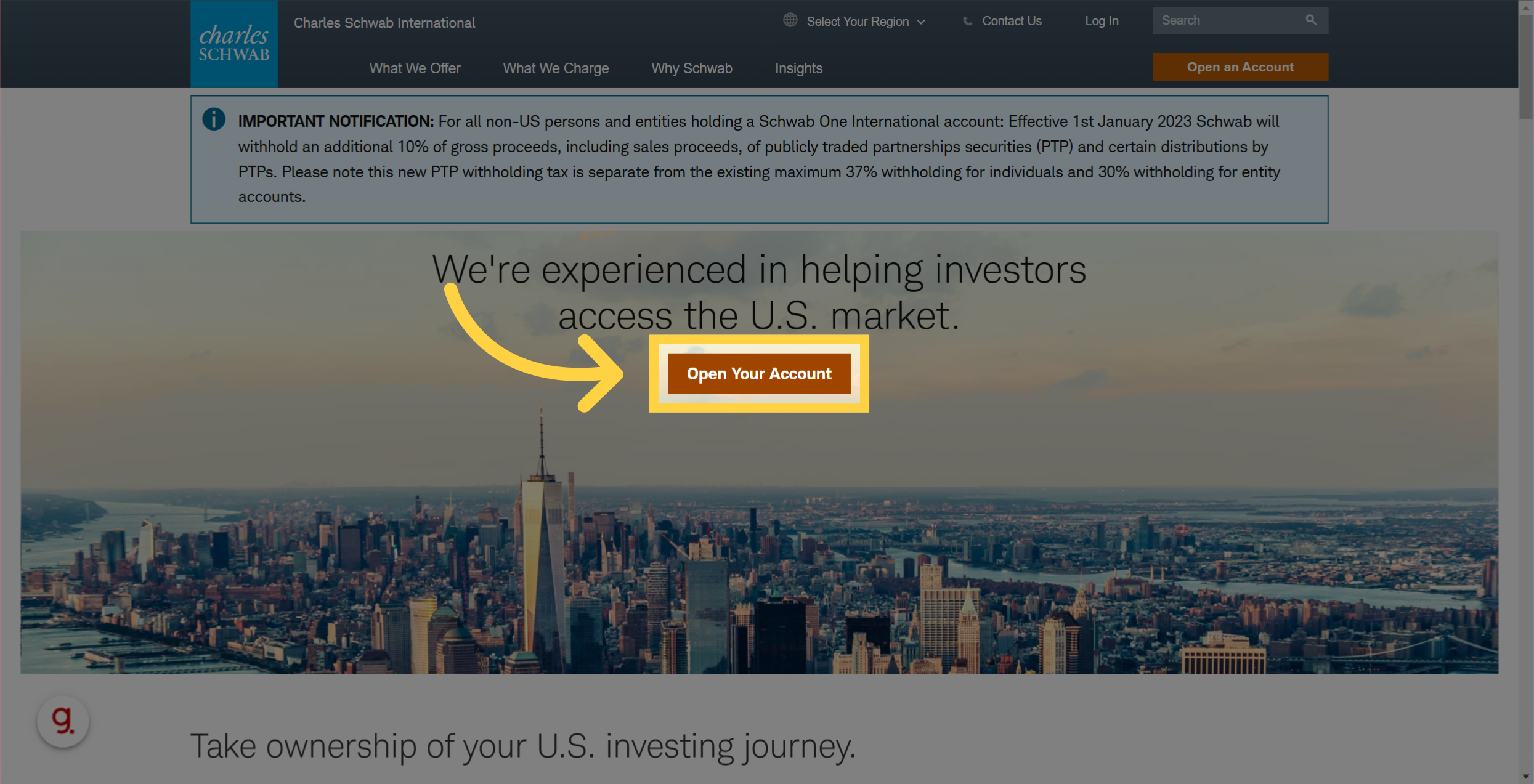
🎤 Go to international.schwab.com and Click "Open Your Account"
Complete this Guidde and complete the registration. Wait for a confirmation email (might take up to 72 hours). Transfer the funds to the new account You can also ask for a debit card.
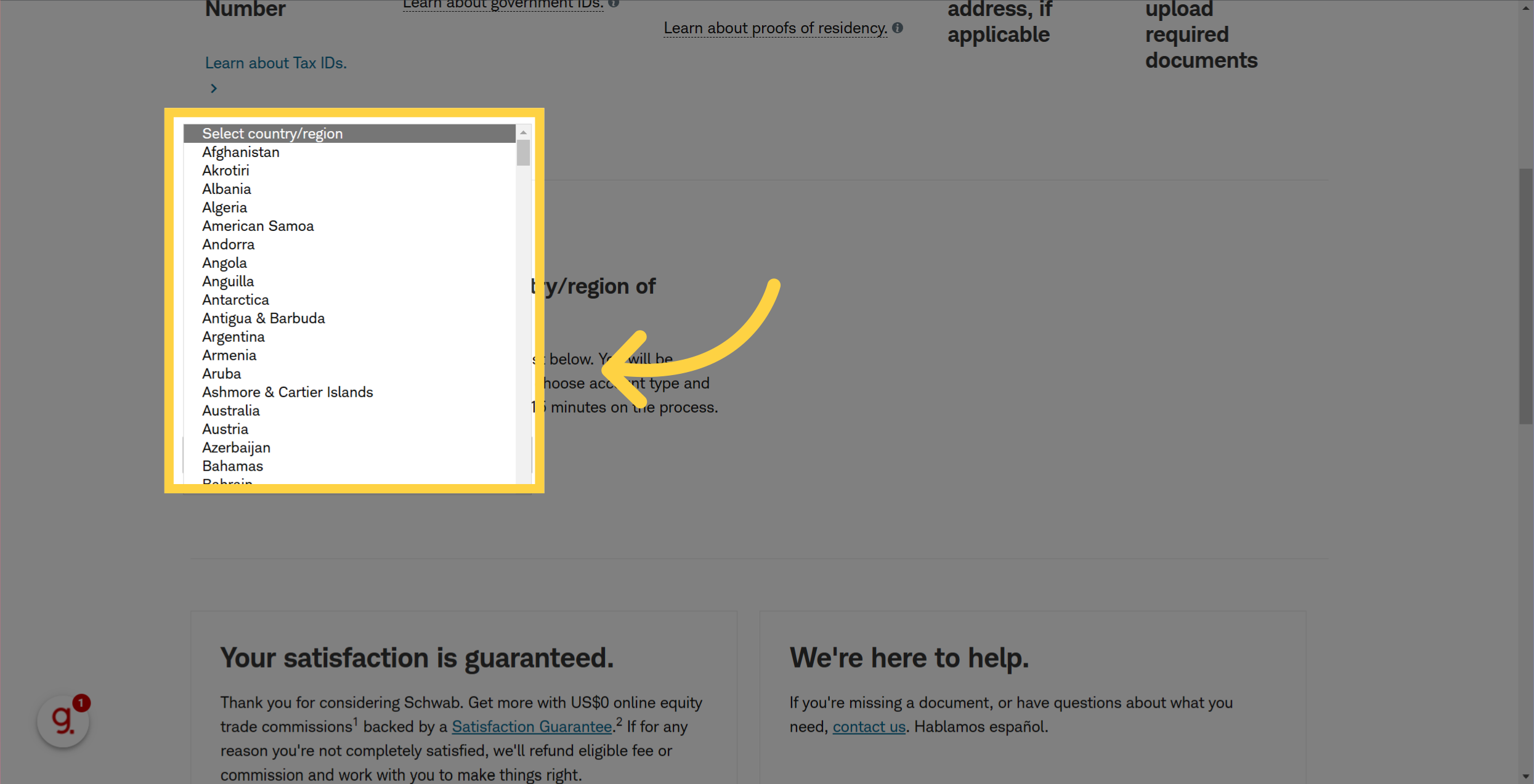
🎤 Click "Select country/region" and select your country
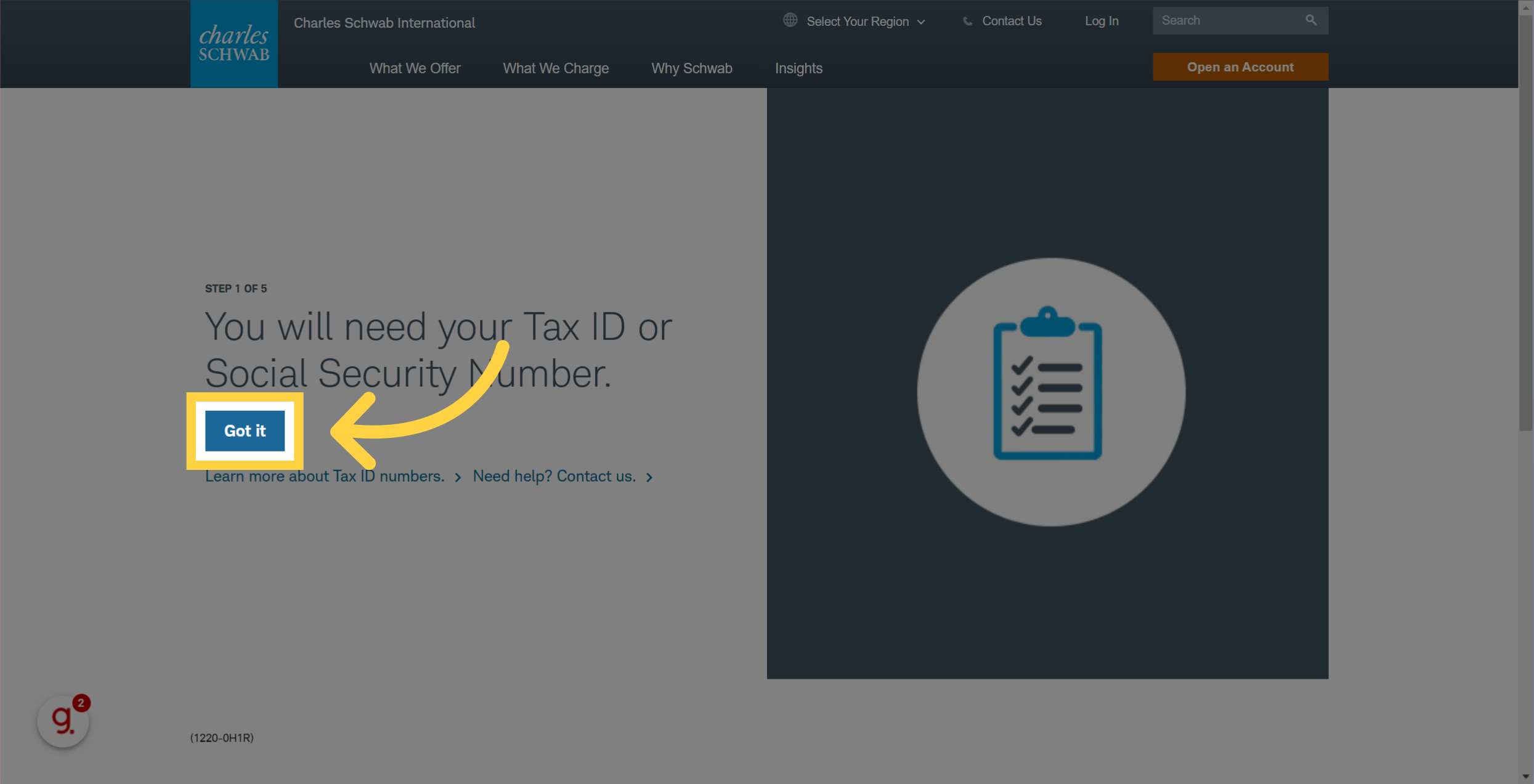
🎤 There are a few steps where you just need to confirm the information and click on "got it"
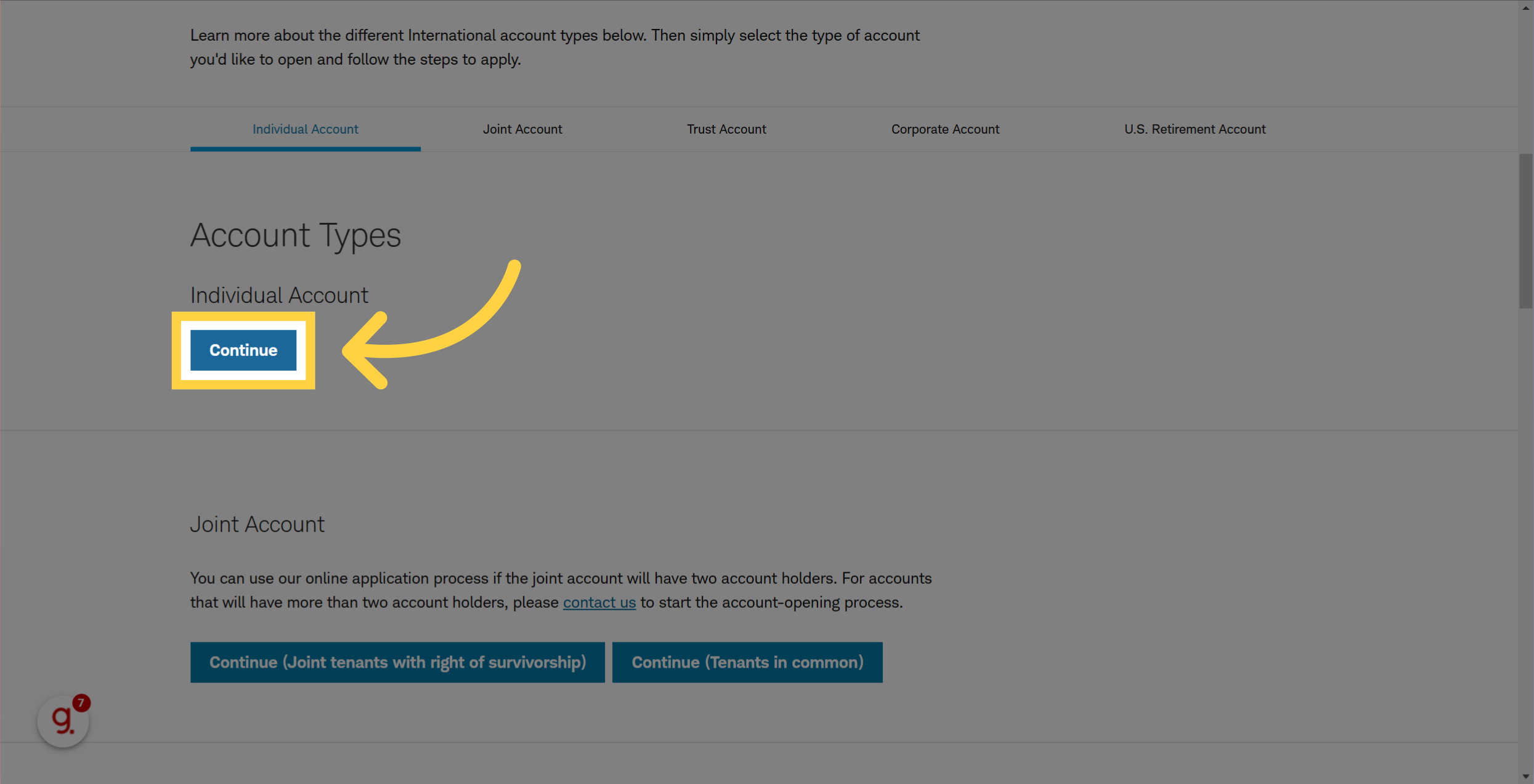
🎤 Choose the type of account you want to open Individual or Joint
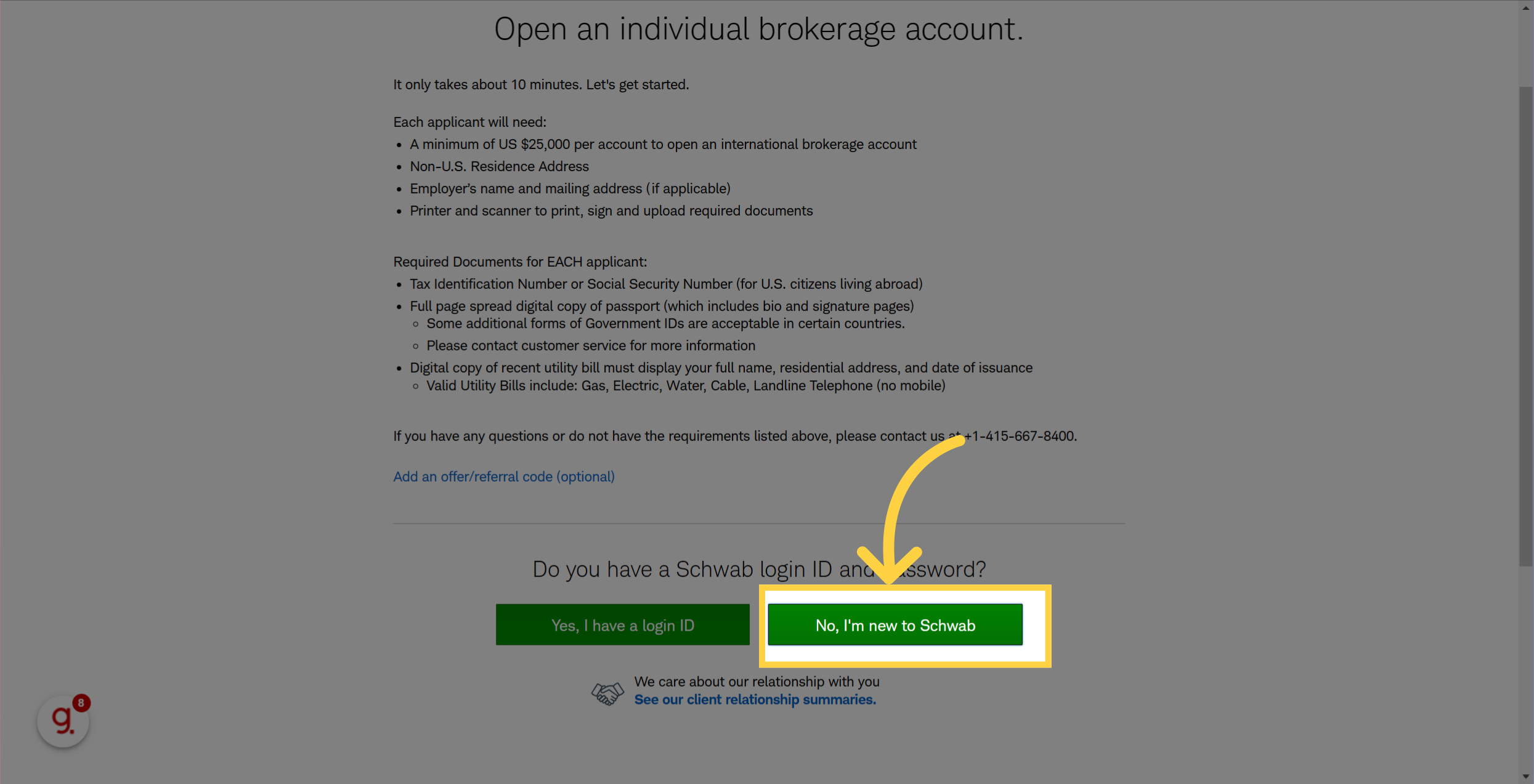
🎤 Assuming you don't have a Schwab account, you will need to setup one. Click on No, I'm new to Schwab
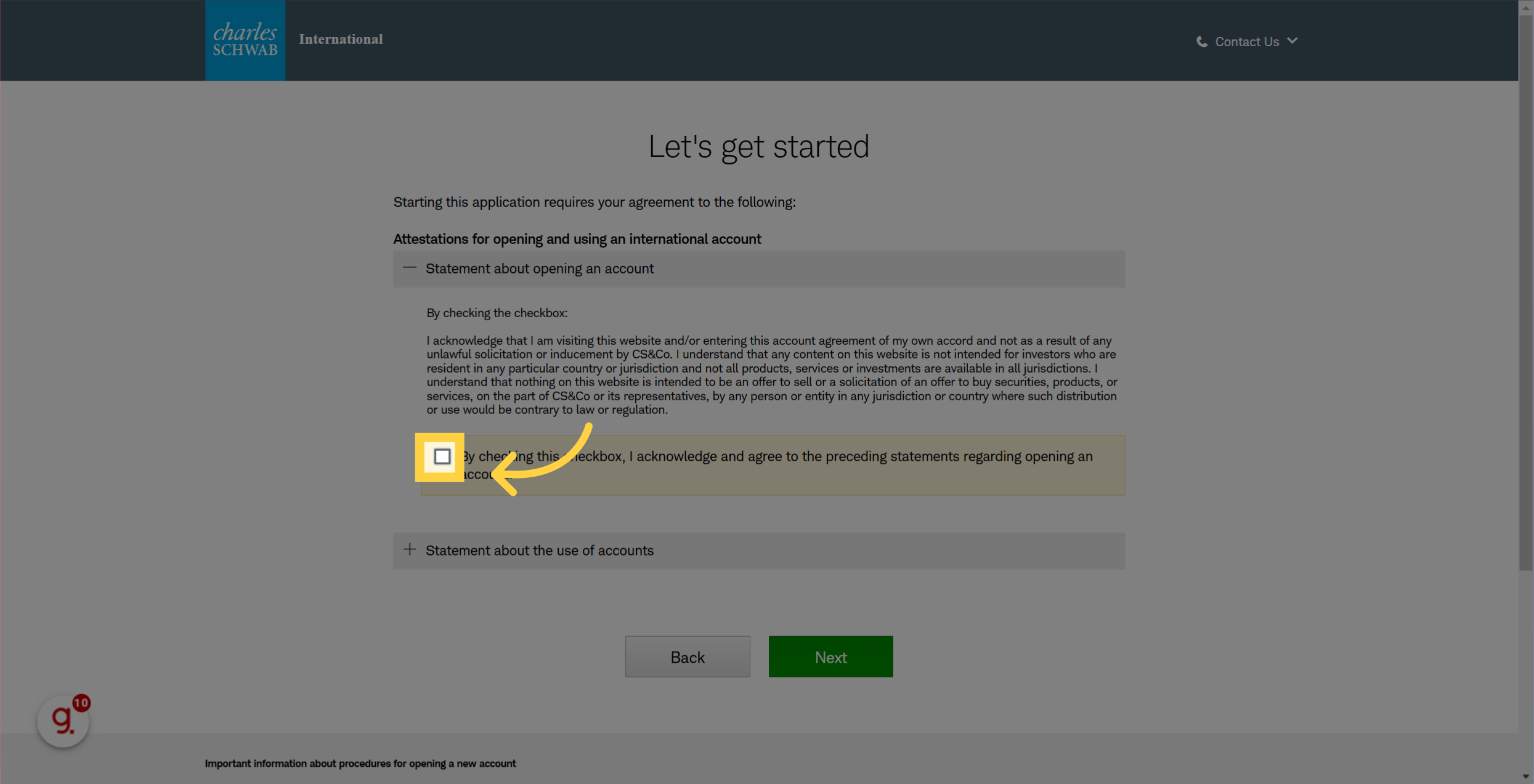
🎤 There are several checkboxes you will need to confirm
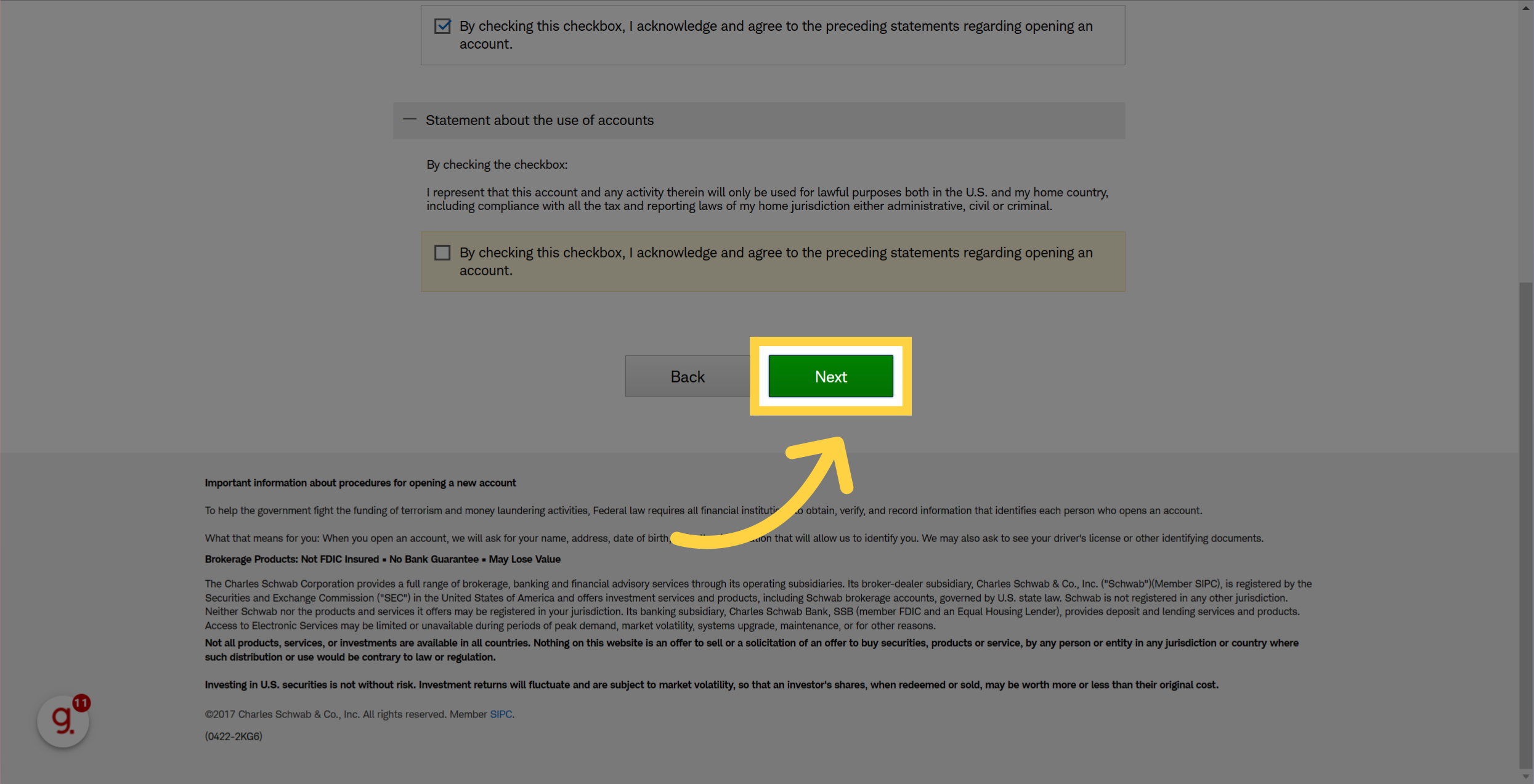
🎤 Review your selections and click on Next
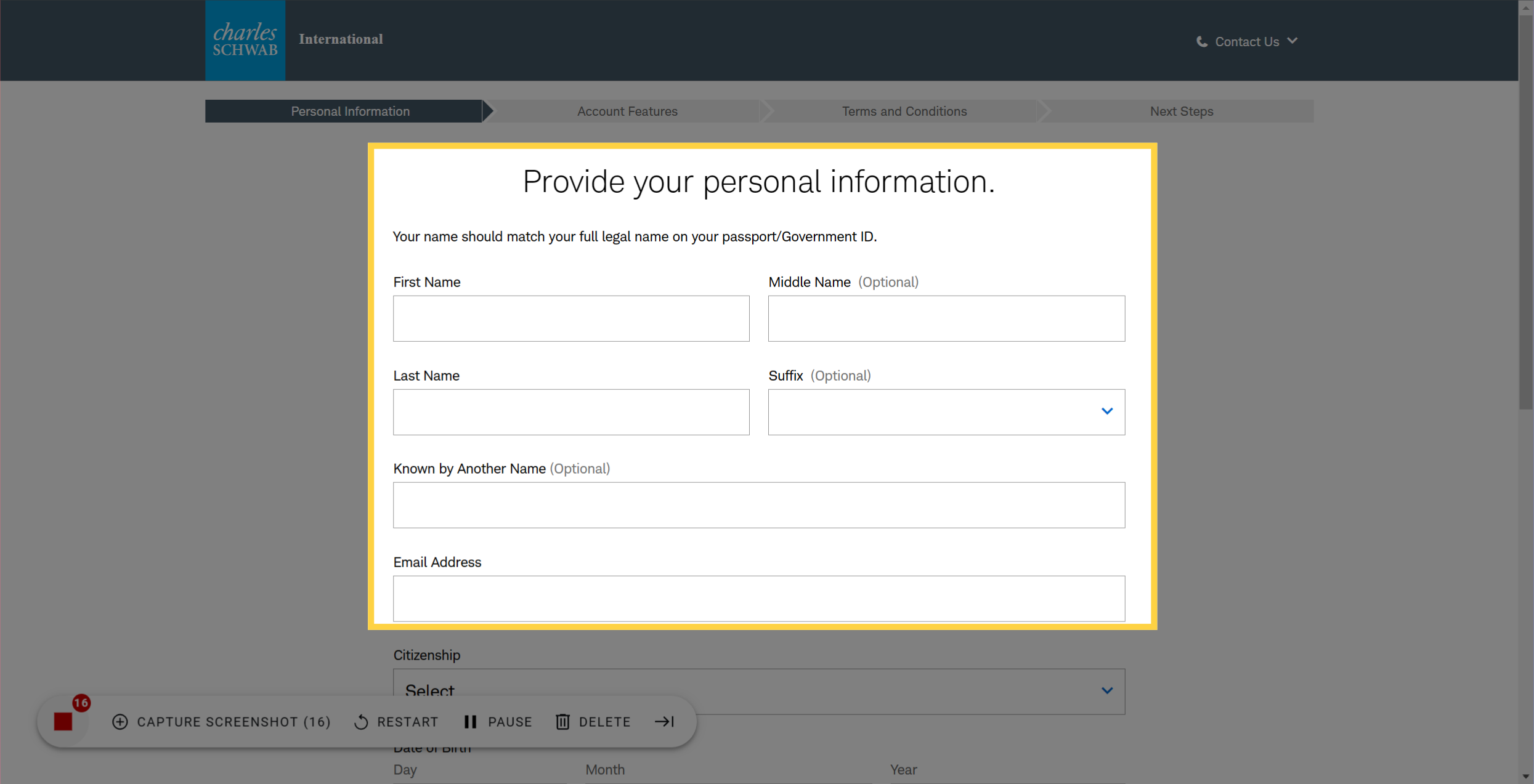
🎤 You will need to provide your personal information
🎤 Next step is to create your account login with Schwab. Make sure you are not using an easy password.
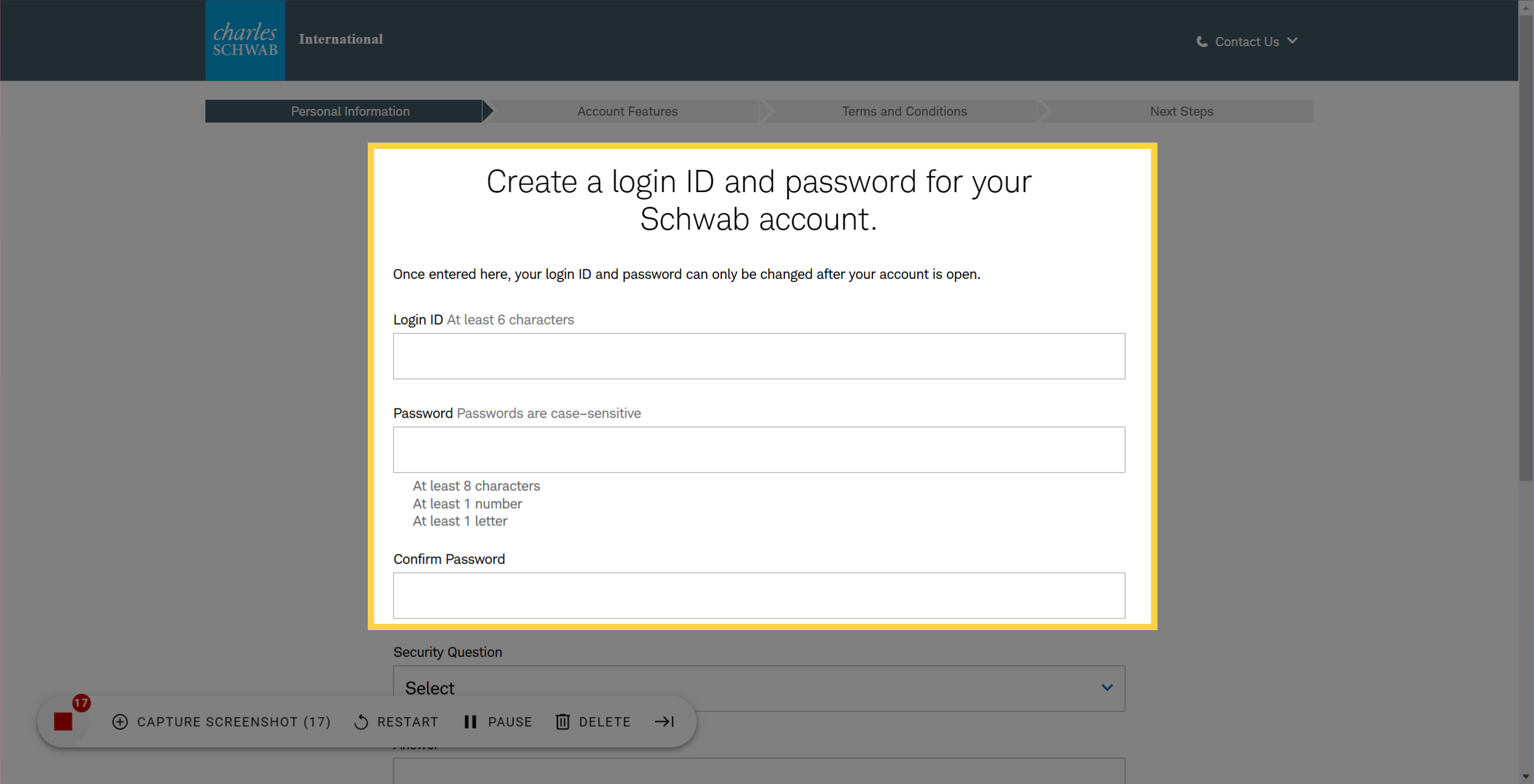
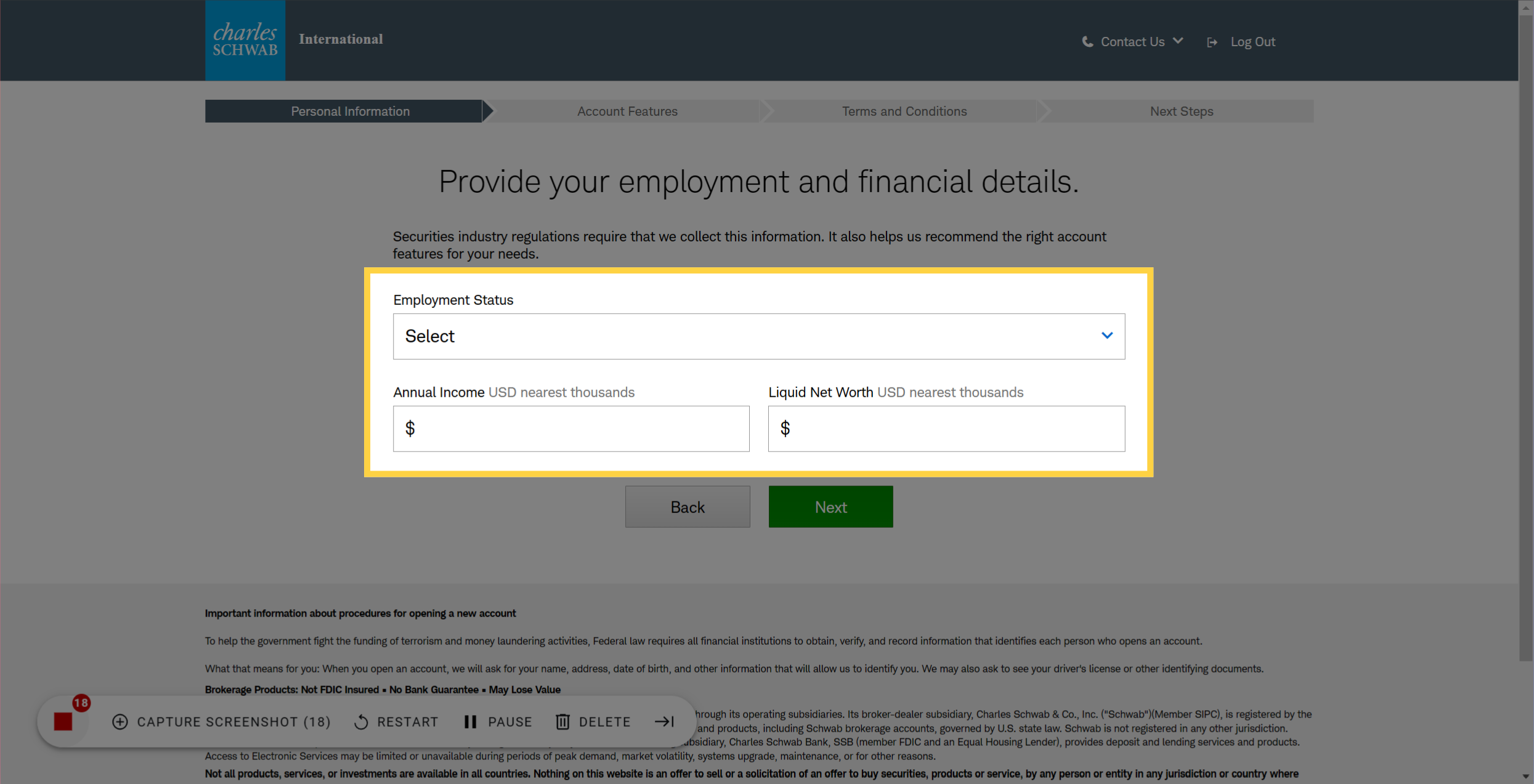
🎤 Provide your Employment & Financial Details and hit next
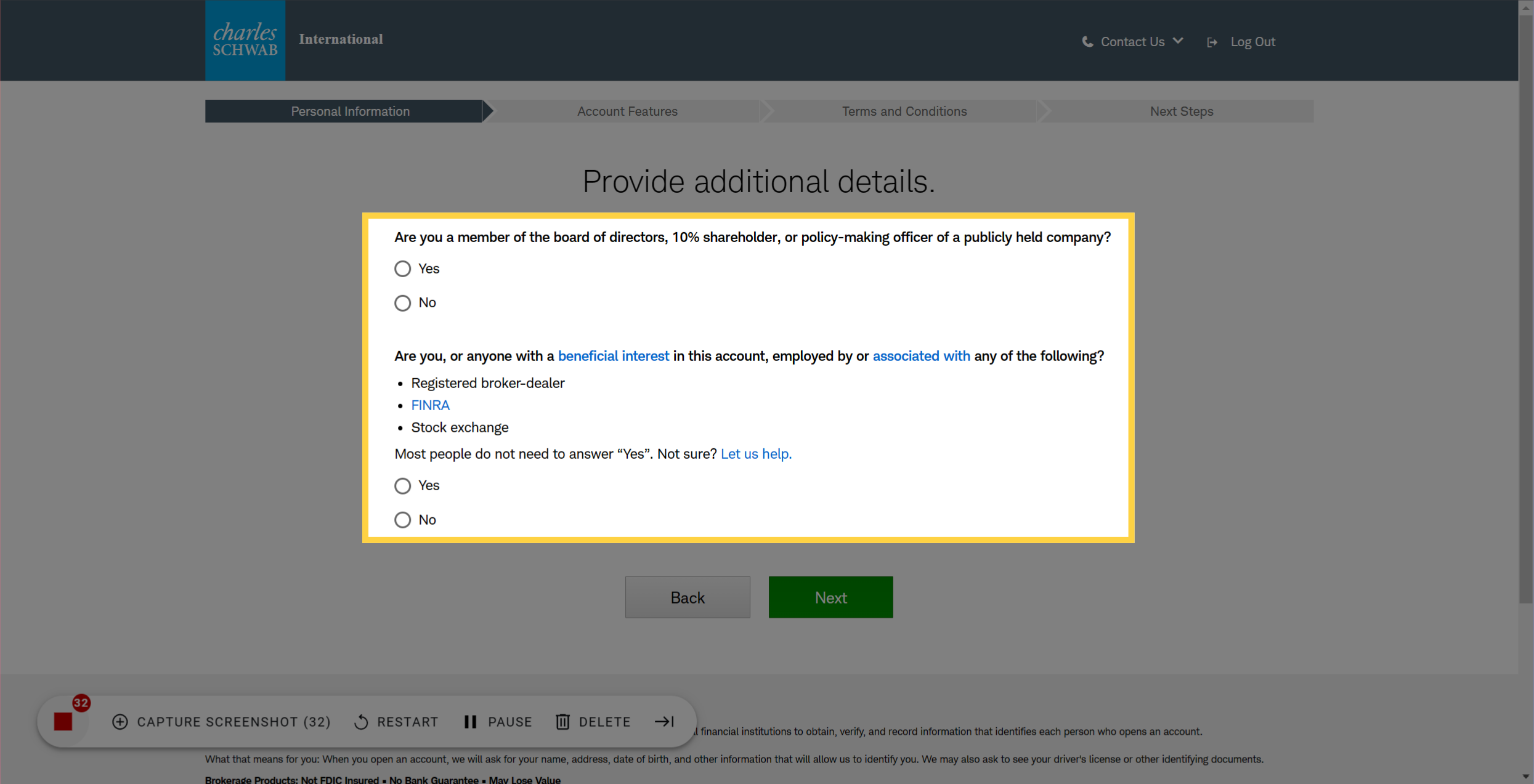
🎤 Answer additional required Questions, don't worry next steps are pretty quick
🎤 Click Next
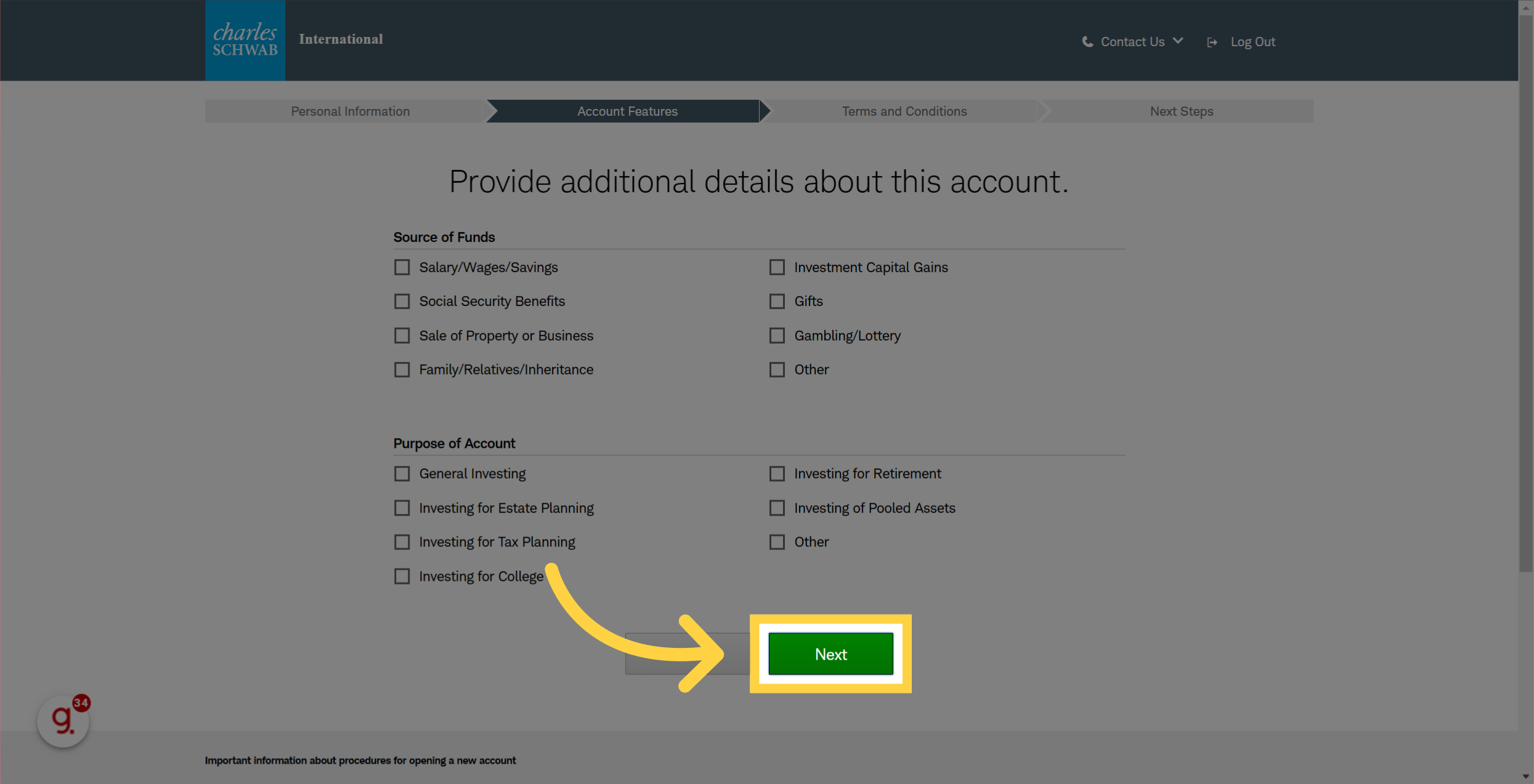
🎤 Provide additional needed info
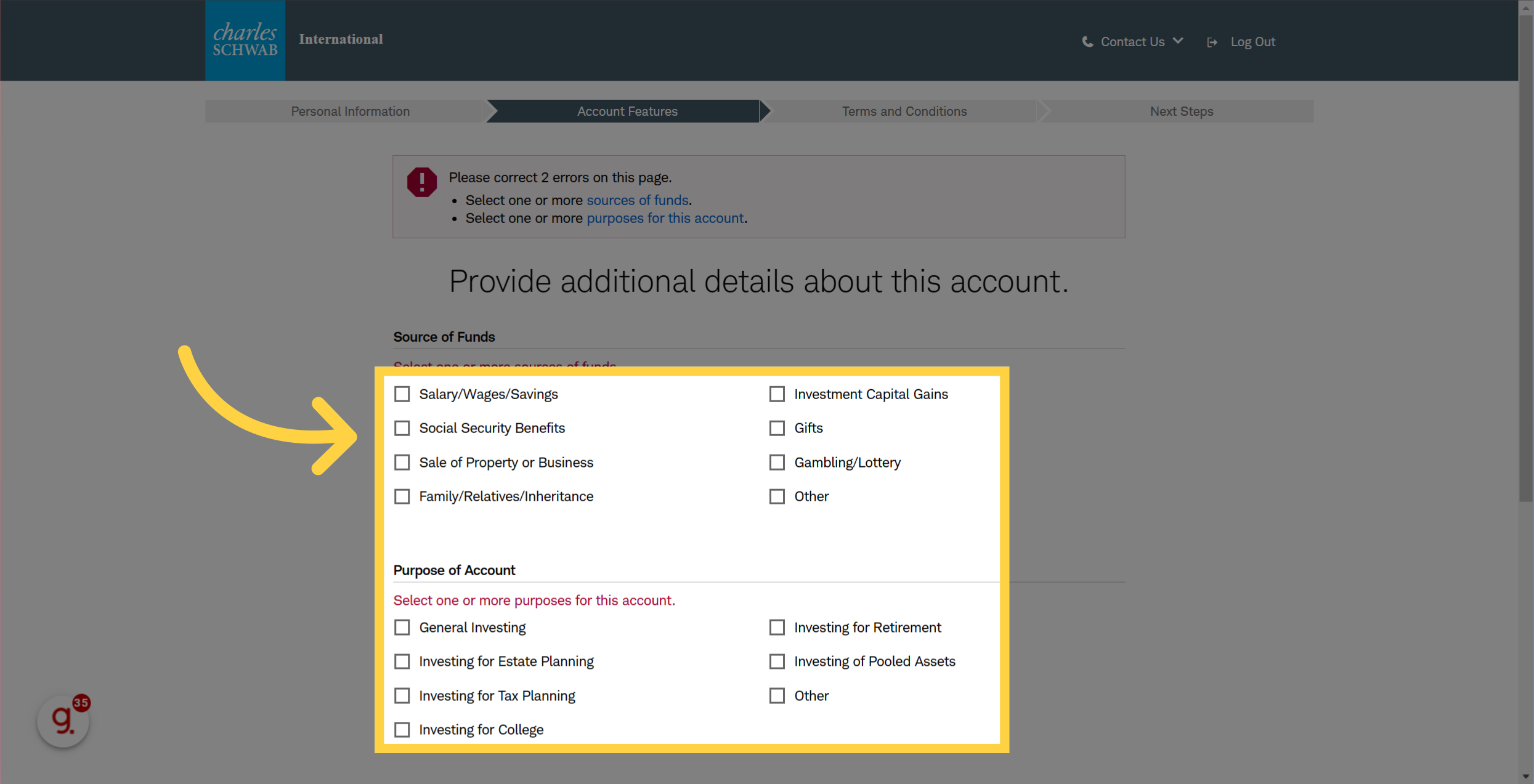
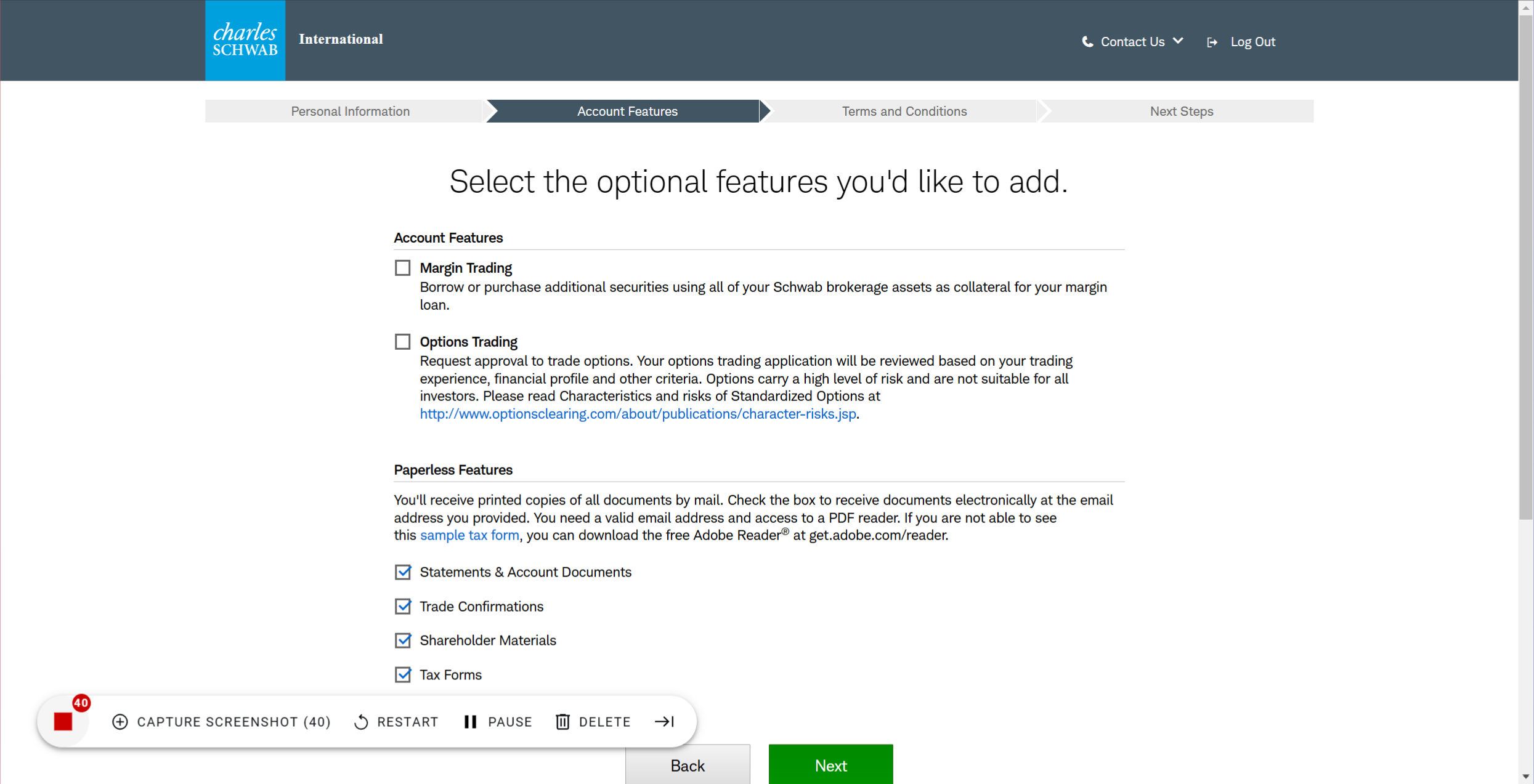
🎤 Select account features you want to add and your paperless features.
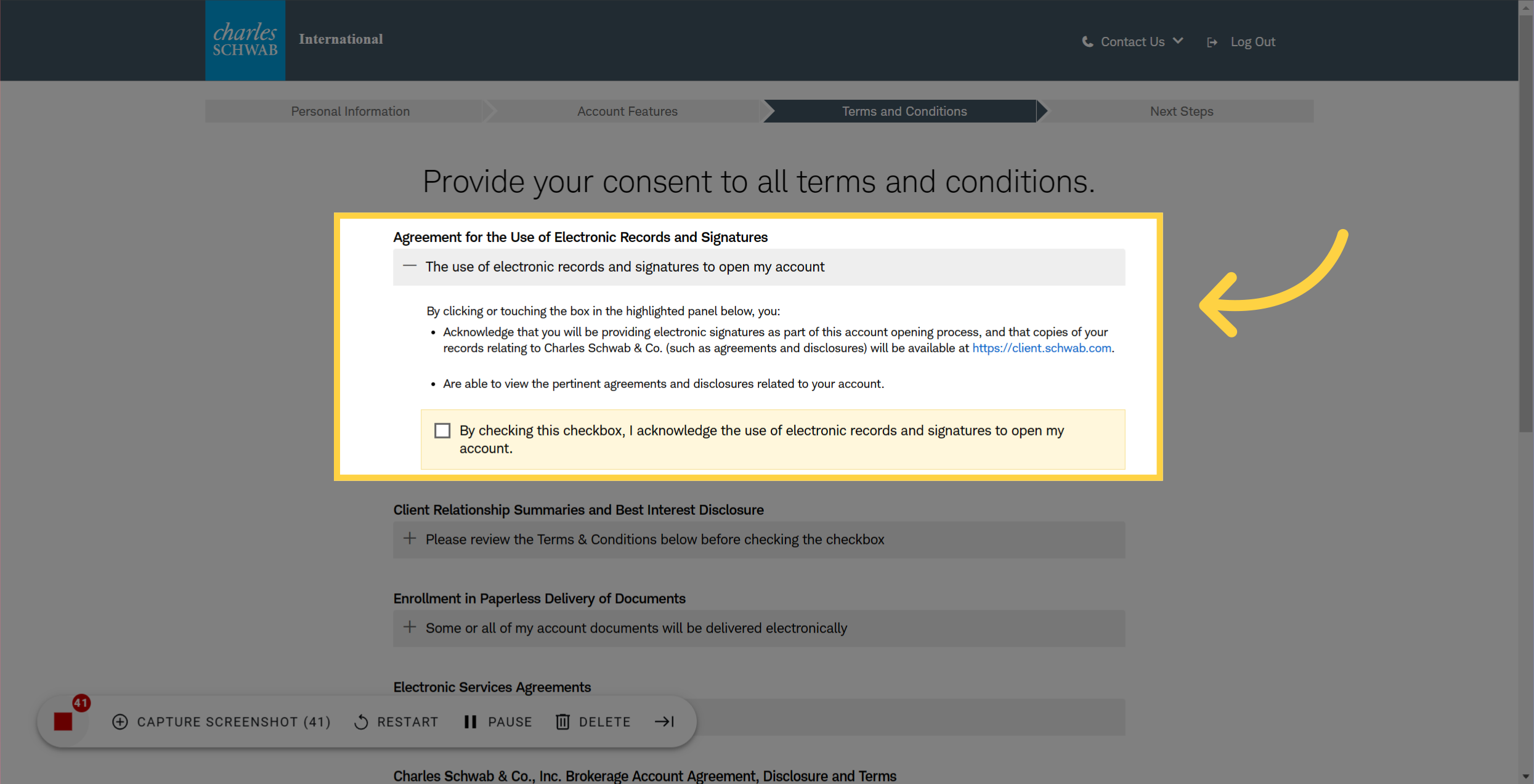
🎤 Review the terms and conditions
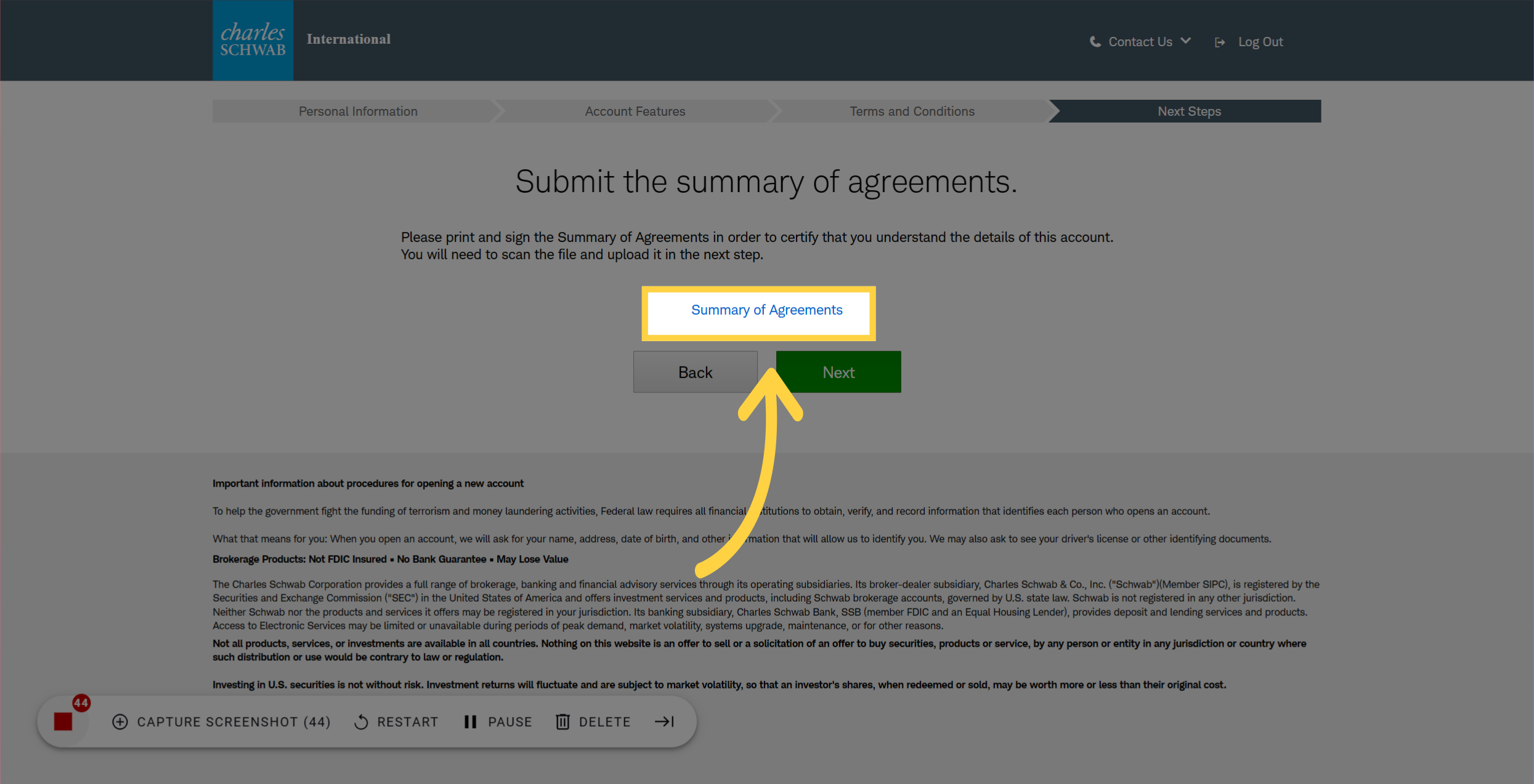
🎤 Don't forget to print the agreement before you click on the Next button


.avif)


